38
29
Here is what I do:
- restart machine with Windows 8.1
- determine "EFI System" partition with the Disk Management utility
- run command prompt as administrator
- type
diskpart - type
select disk 0thenselect partition 2thenassign - open windows explorer
windows+e - refresh if the drive is not showing
F5 - try to open drive by double clicking
What I expected to happen:
I can at least look at my EFI partition files.
What happened:
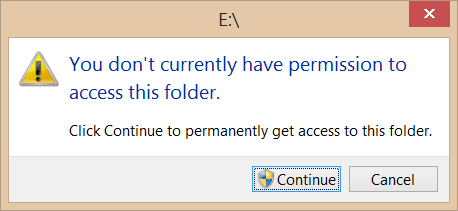
after clicking continue
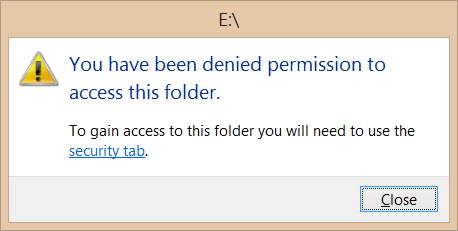
after clicking "security tab" link, no security tab
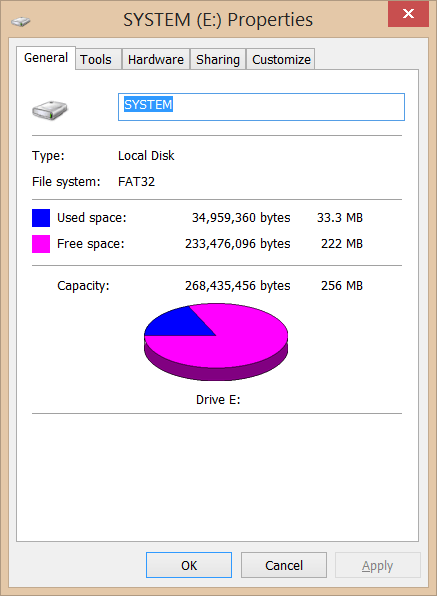
What do I need to do to access my EFI partition on Windows 8.1?

RyanTM
Posted 2013-10-20T19:58:59.067
Reputation: 910

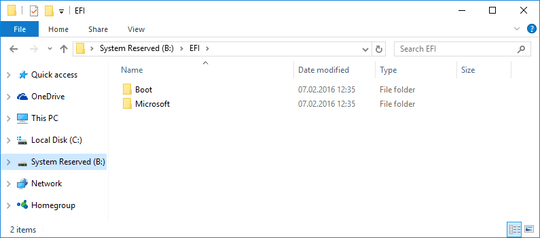


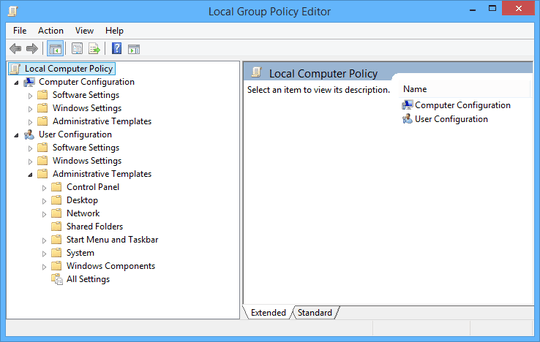
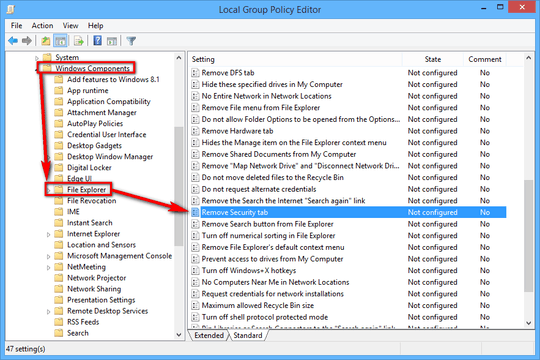
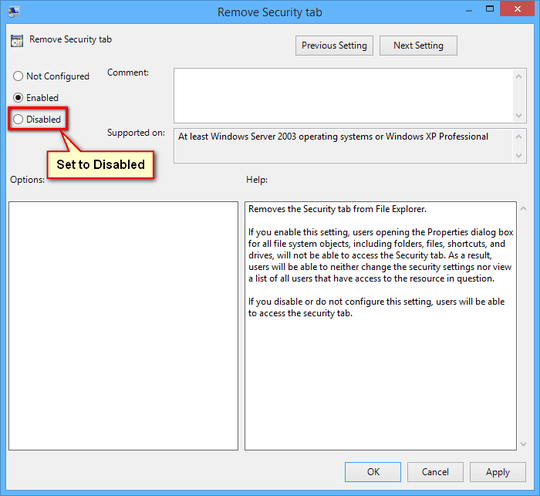
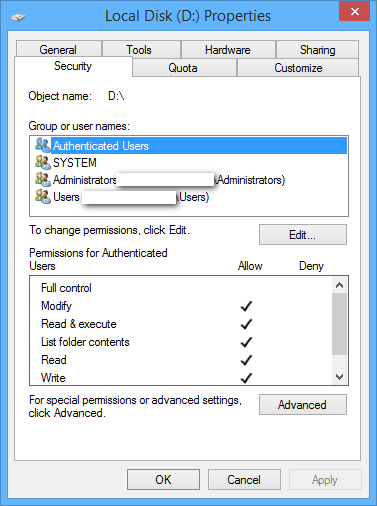

Or using another file manager: https://freecommander.com/en/summary/ then running it as administrator.
– Yousha Aleayoub – 2020-02-03T08:53:21.397